Apple II emulator screenshots
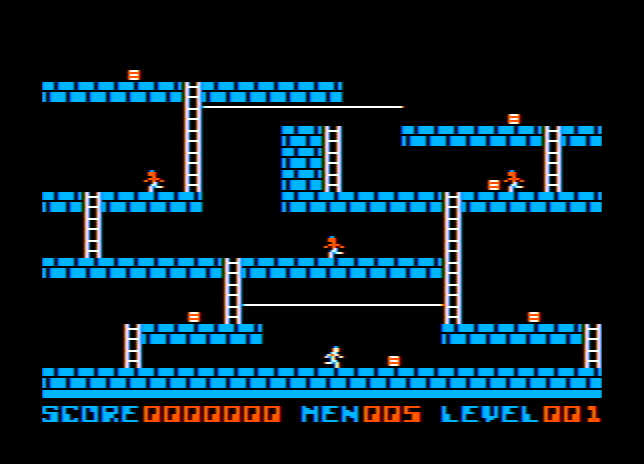
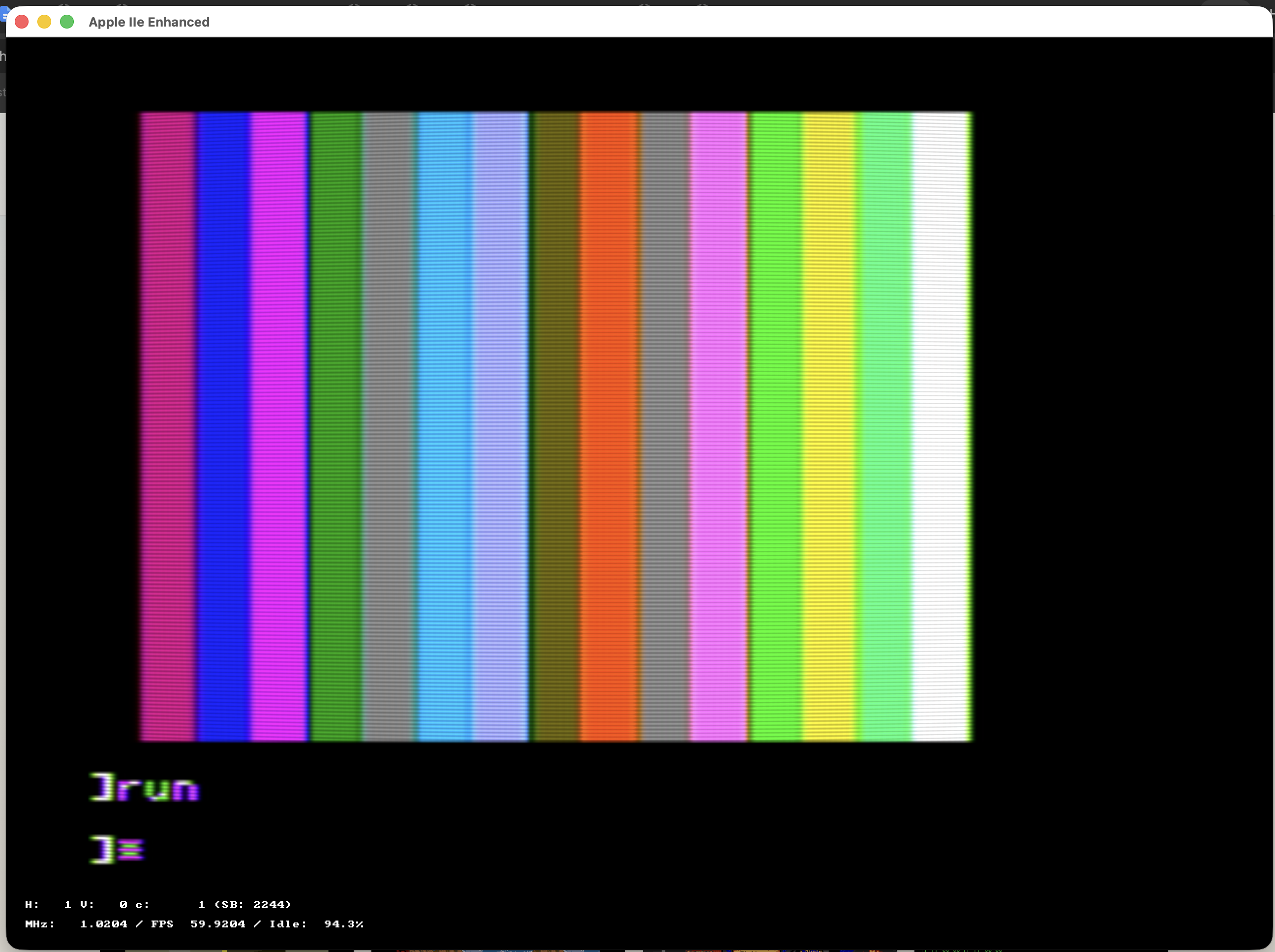
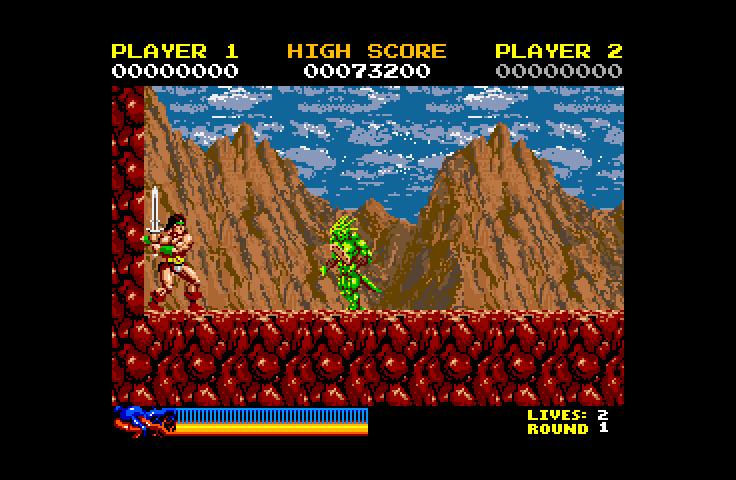
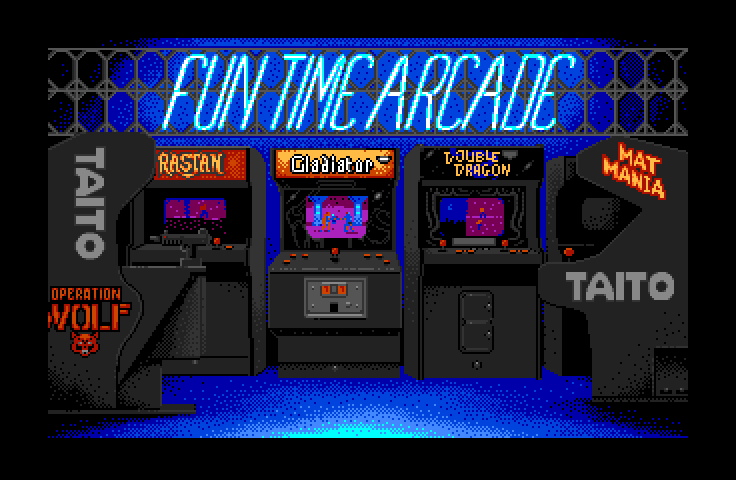
A look at GSSquared on the desktop — classic Apple II, Apple IIe, and Apple IIgs software running in the emulator, then the screens you use to pick, configure, and run a machine.
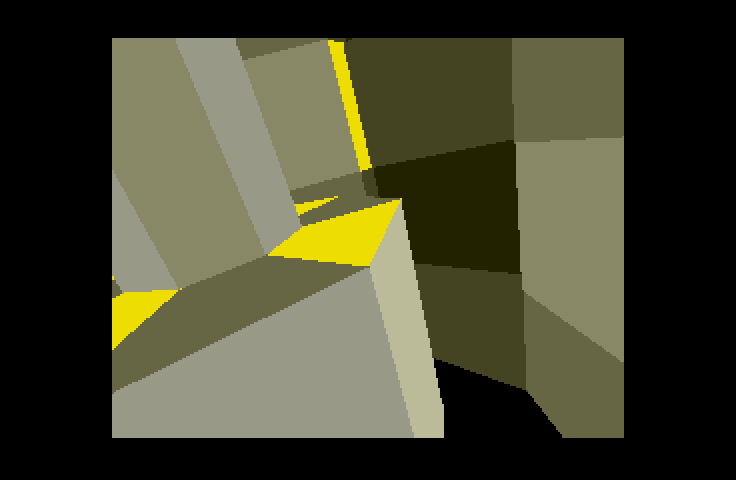
In the emulator
Running software
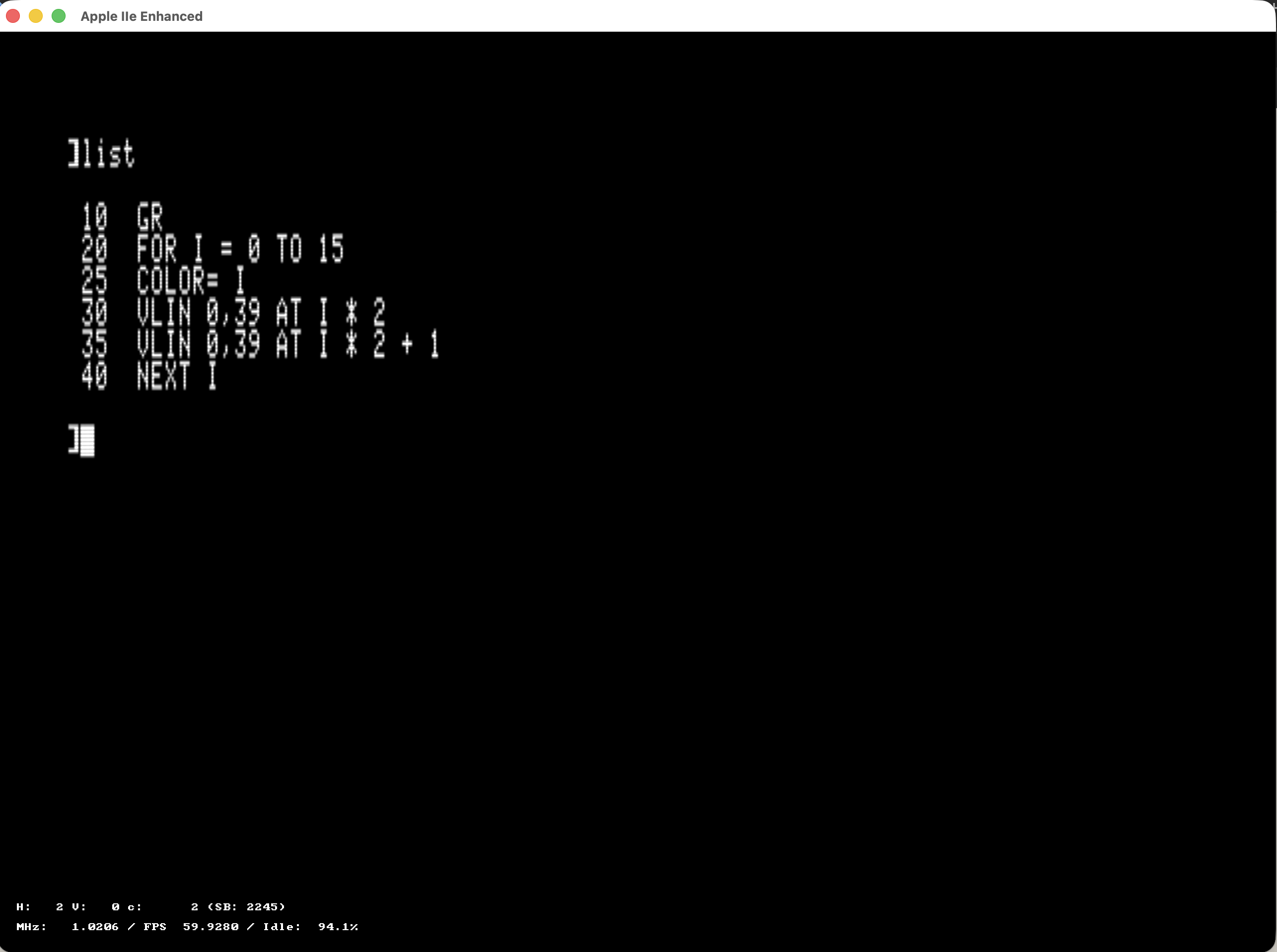
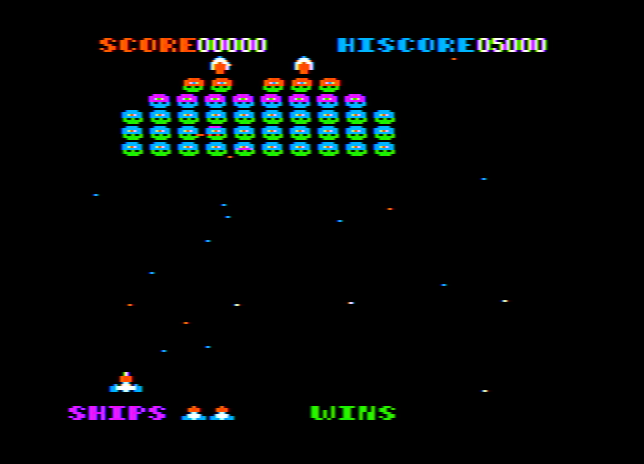
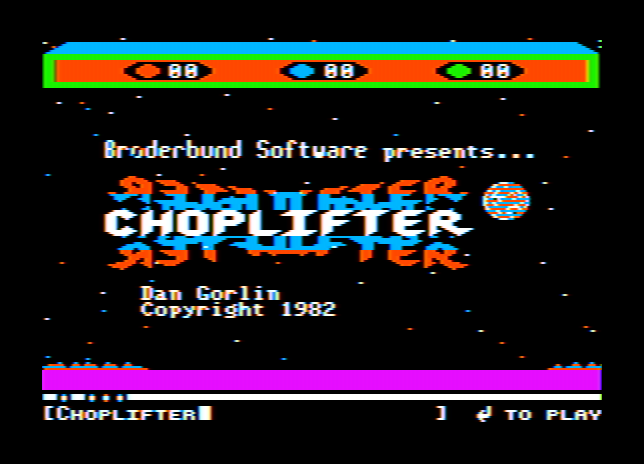
Games and apps as they appear once a virtual Apple II, Apple IIe, or Apple IIgs is up and running.

Host UI
Select, configure, and run
These overlays and screens are part of GSSquared itself — not the Apple II display.
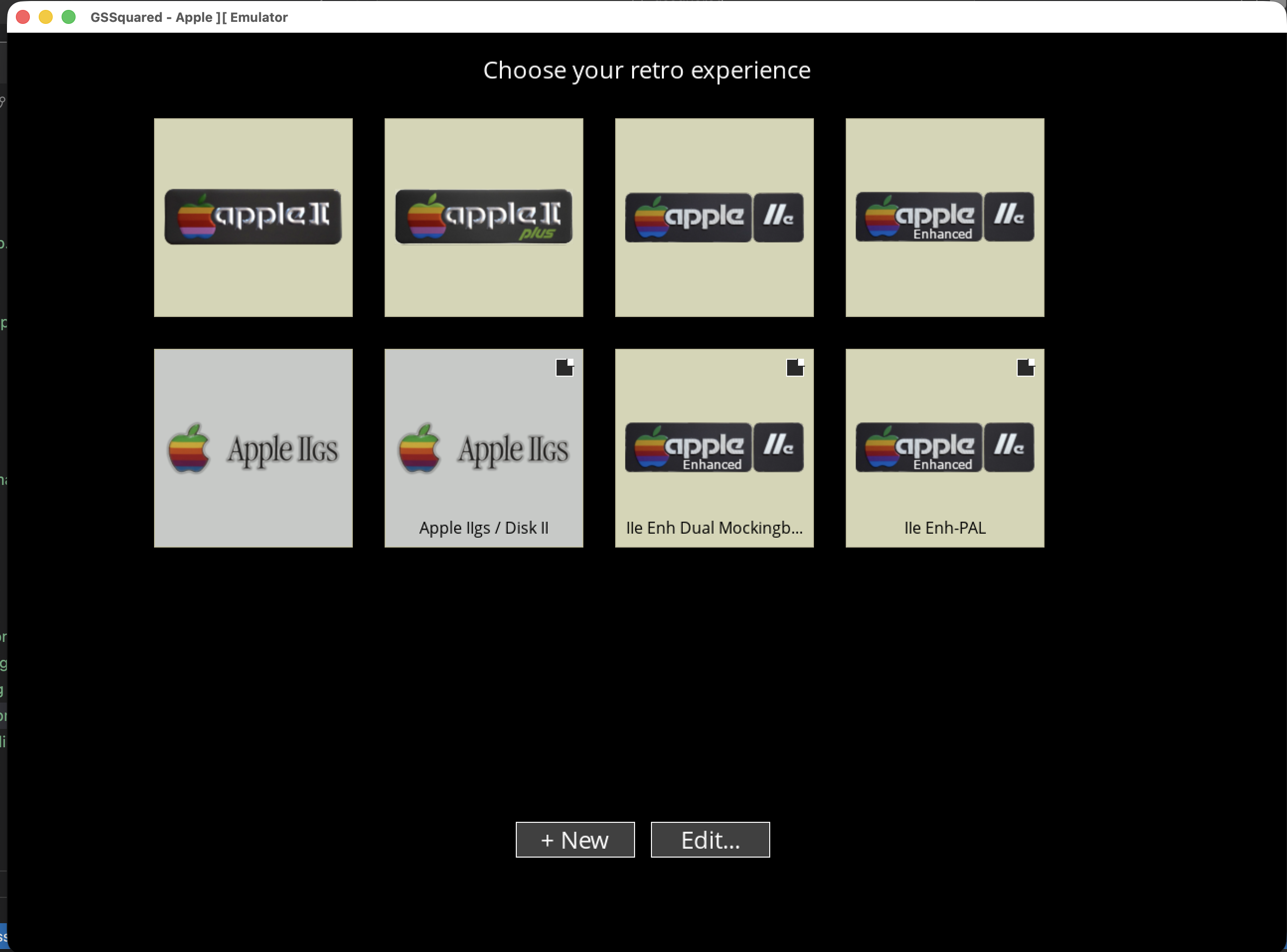
- System Select — choose a built-in machine or open a saved setup to start.
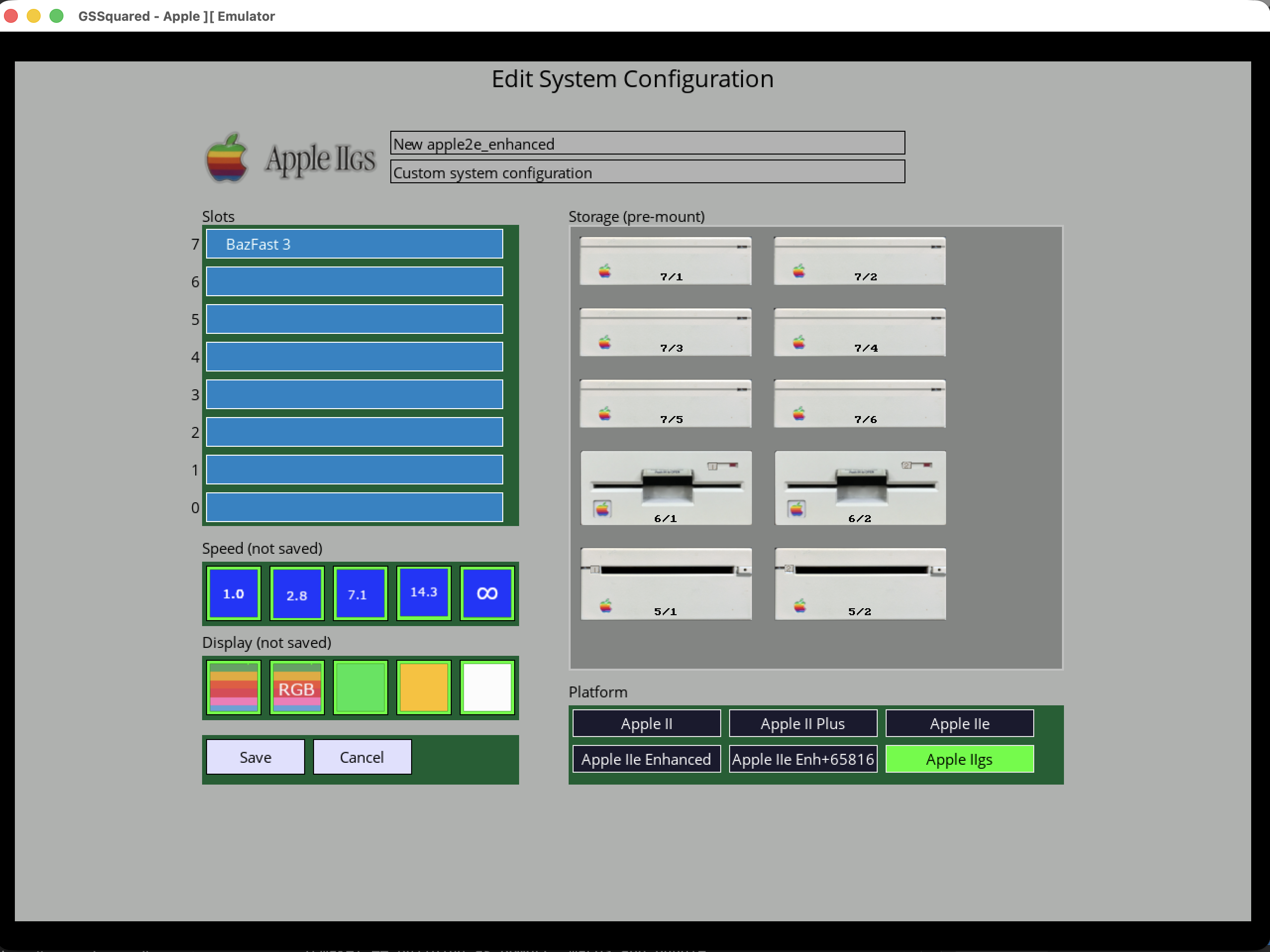
- Custom System Editor — build your own profile: platform, slot cards, and disks to pre-mount, then save it as a reusable
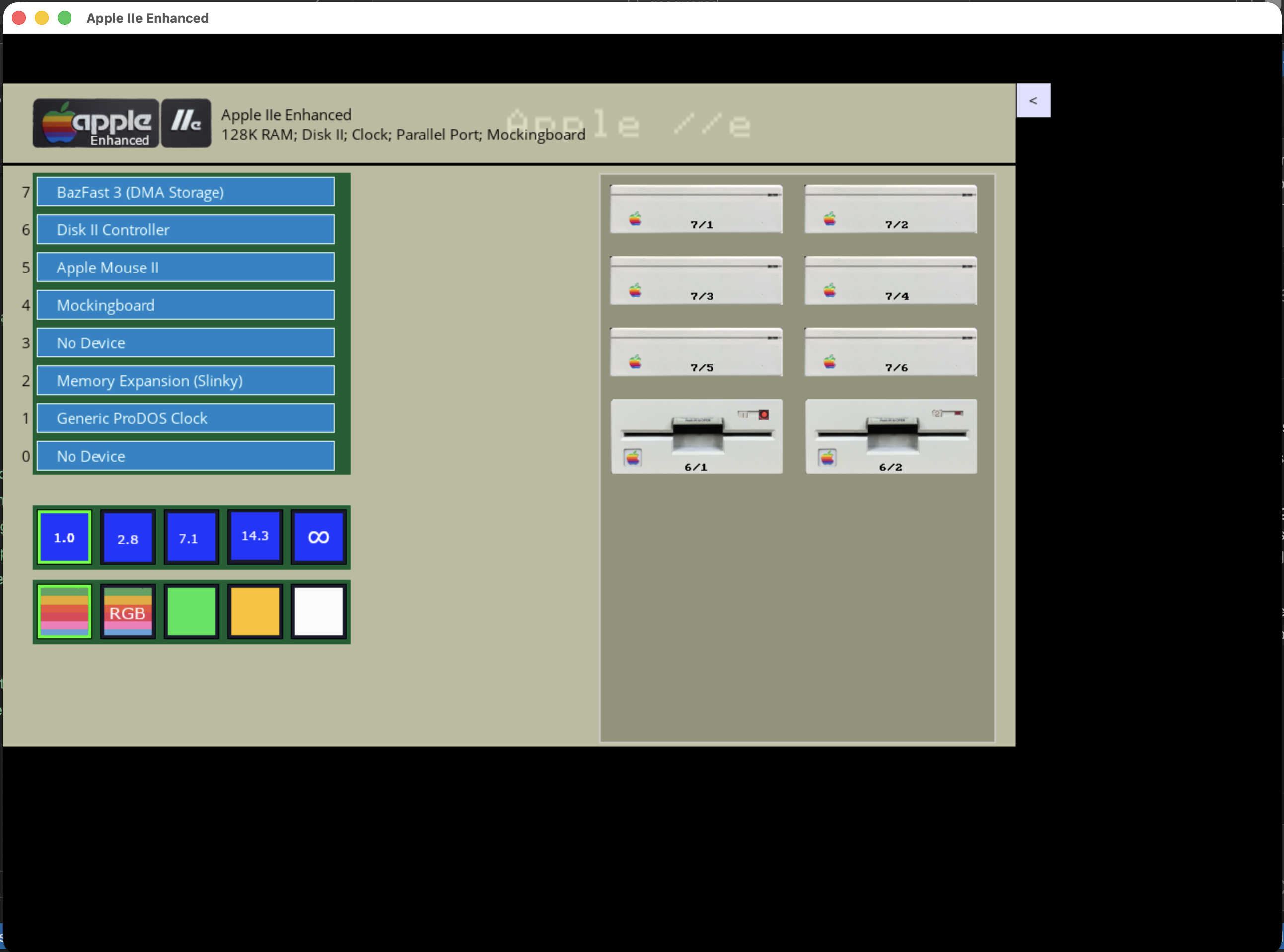
.gs2config. - Control Panel — while a machine is running, manage slots, speed, display mode, and mounted drives without leaving the session.
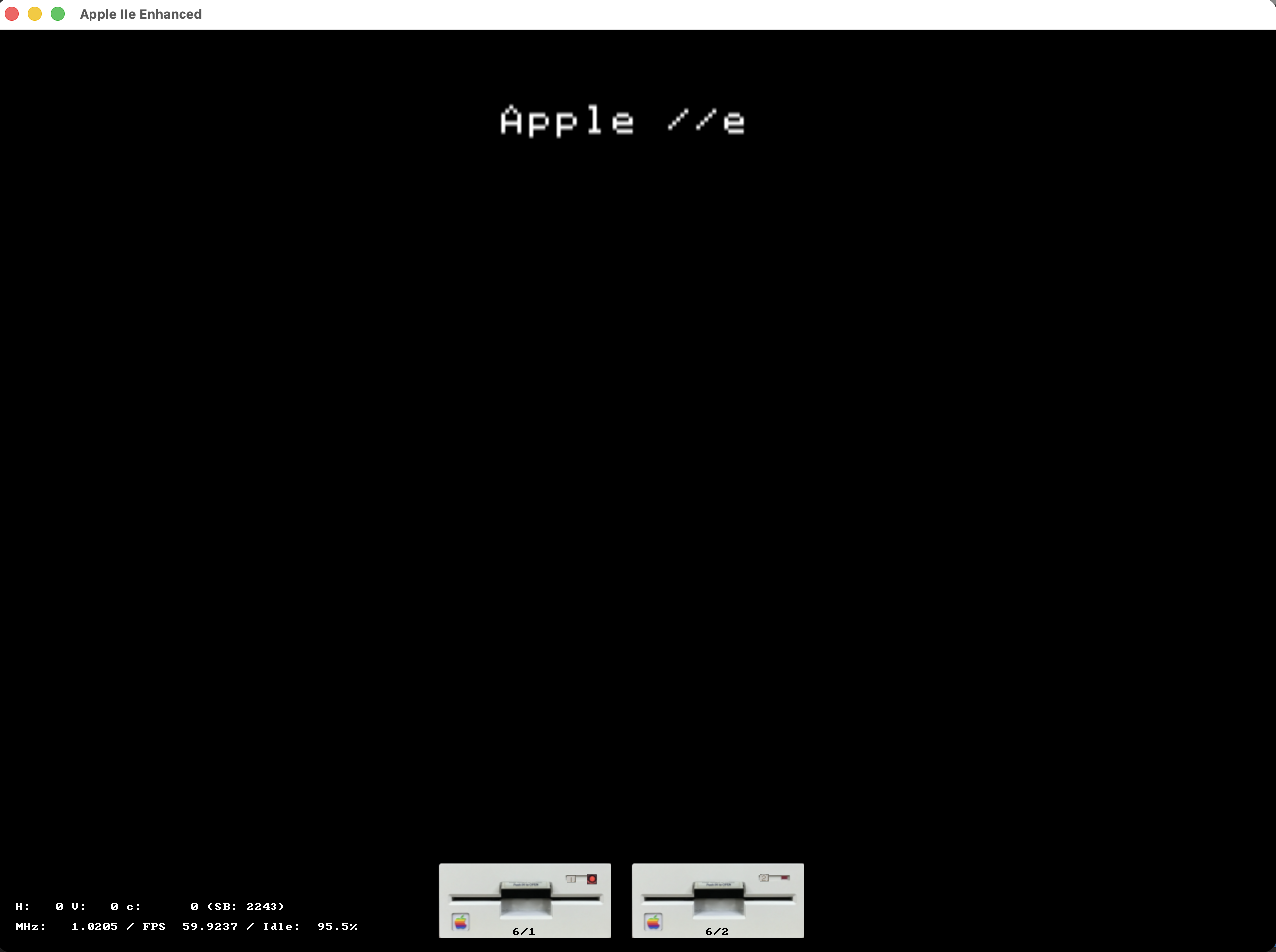
- Drive Activity HUD — a lightweight on-screen strip showing which drives are active (and live timing stats) while you use the emulator.